

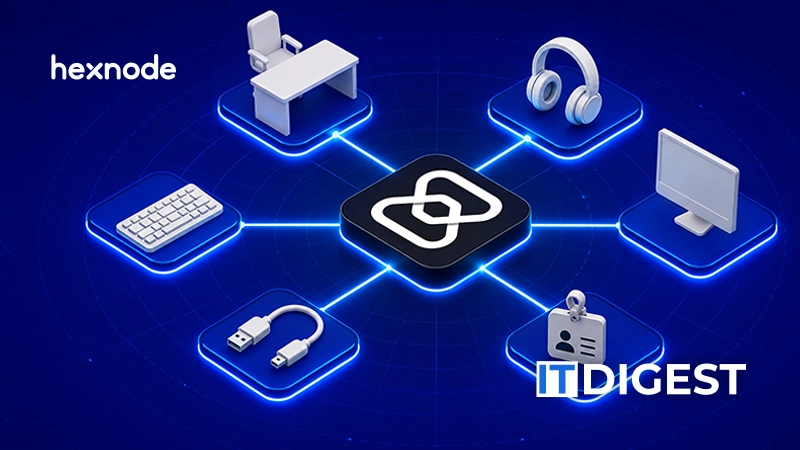
The expansion connects hardware and workplace asset records with endpoint and user information, bringing assignments, lifecycle tracking and physical audits into one console.
Hexnode has introduced native IT Asset Management within Hexnode UEM, extending the platform’s scope to the ownership, assignment and lifecycle of hardware and workplace assets. The capability links physical asset records with managed devices and users, bringing equipment inventory, maintenance, financial records and physical audits into the UEM console.
An enrolled device record captures only part of an organization’s equipment estate. Monitors, accessories, loan equipment and other workplace assets also require assignment histories, maintenance records and eventual recovery or disposal. Hexnode Asset Management brings these records alongside endpoint and user information, helping IT teams track the equipment they are responsible for throughout its lifecycle.
“IT teams are accountable for far more than the devices they enroll,” said Sahad M, chief technology officer at Hexnode. “A device can be correctly configured while the organization’s record of who holds it, what accompanies it and when it should be recovered remains incomplete. Bringing asset records into UEM gives teams a more complete basis for managing that responsibility.”
Alongside native ITAM, Hexnode UEM adds dedicated Shared Device Policies for Android and remote BIOS management for supported Windows PCs.
What does native IT Asset Management bring to Hexnode UEM?
Hexnode Asset Management’s core capabilities include:
- Inventory and discovery: Teams can track laptops and monitors individually, manage cables and keyboards by quantity, and include office assets such as furniture and access cards. Connected peripherals are detected automatically for administrator review and registration, helping teams account for equipment beyond enrolled devices.
- Assignments and recovery: Equipment bundles can be assigned to users, while checkout records and return deadlines help teams track loaned items. User directory integration links assets to employee profiles, making it easier to identify what needs returning during offboarding.
- Financial and lifecycle records: Purchase, vendor, warranty and contract records, together with automatic depreciation and book-value calculations, help teams plan maintenance, replacement and retirement. Teams can also schedule maintenance and document disposal, with disposal certificates generated automatically.
- Physical audits and oversight: QR-based audits help teams verify inventory, supported by telemetry pre-scans and guided workflows for reconciling assignment or location discrepancies. Teams can review 16+ reports and give inventory staff access through the Asset-Only Technician role without granting broader UEM policy permissions.
Hexnode Asset Management is available to customers on Hexnode UEM’s Enterprise plan and above.
How does Hexnode UEM manage shared Android devices?
Hexnode UEM introduces dedicated Shared Device Policies for Android, helping administrators manage equipment shared by frontline and shift-based teams. Individual sign-ins and automatic logout let administrators control who can access a device and how long sessions remain active. Selected apps can stay available without sign-in, while other apps require authentication, keeping devices useful between sessions without leaving broader access open.
How does Hexnode UEM support remote BIOS management for Windows PCs?
Hexnode UEM adds remote BIOS management for supported Windows PCs, covering boot-order configuration and firmware password controls. IT administrators can prepare devices for network imaging, update passwords after staff changes and clear credentials before resale. Bringing these tasks into the UEM console reduces desk-side visits and reliance on complex vendor-specific scripts while helping protect BIOS settings and control startup access.